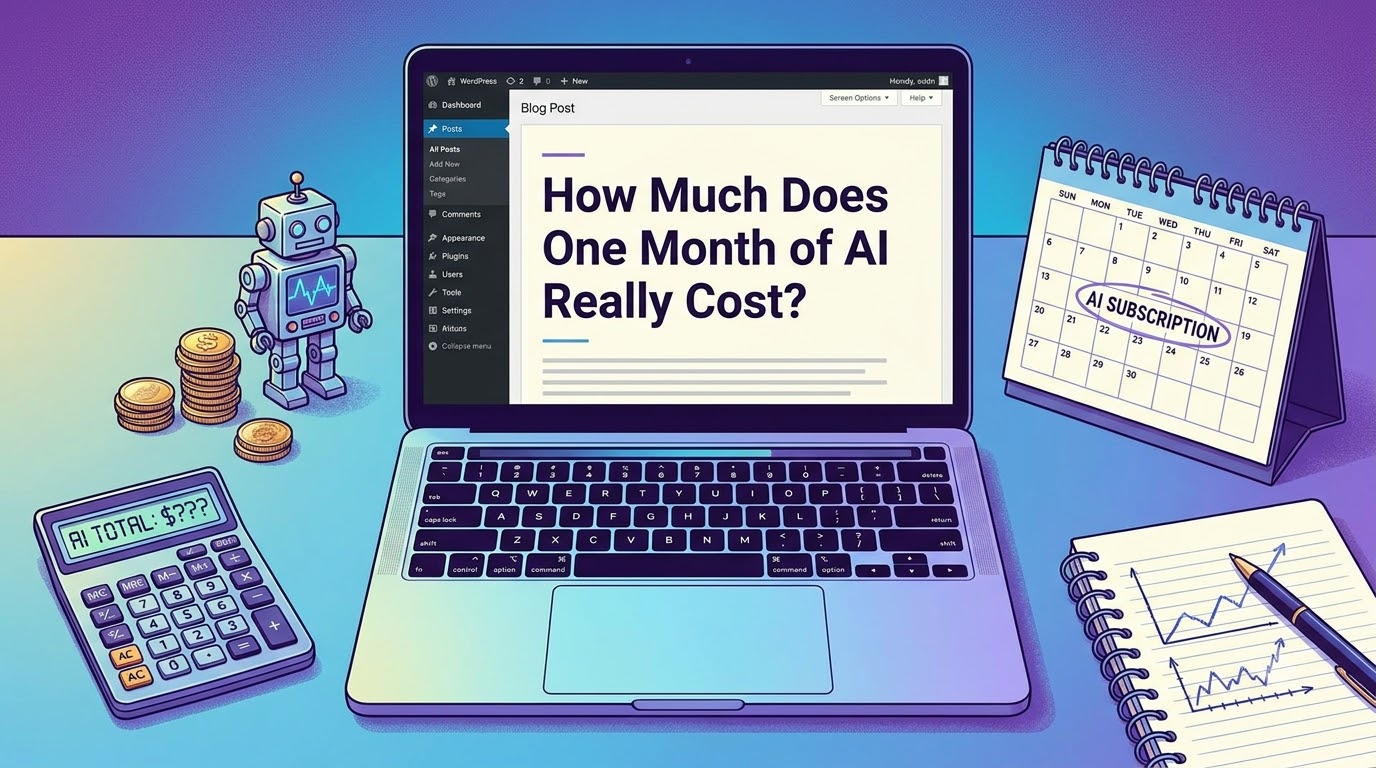
Is ChatGPT Plus worth it? Everyone talks about what AI can do. Almost nobody talks about what it actually costs once the free trial ends and the invoices start landing in your inbox. So I sat down, added everything up, and broke it down for three types of users: a casual user, a freelancer, and a small business.
The Casual User: $0 to $20 a Month
If you just want to draft emails, plan trips, or get homework help, you may not need to spend anything at all. Free tiers from the major chatbots cover most everyday needs. The catch? Slower responses during peak hours, older models, and daily usage caps.
Upgrading to a paid plan like ChatGPT Plus, Claude Pro, or Gemini Advanced costs about $20 per month. For that you get faster answers, priority access, and the newest models. For most people, one subscription is plenty. Paying for two or three at once is where casual users quietly waste money.
Realistic monthly total: $0–$20
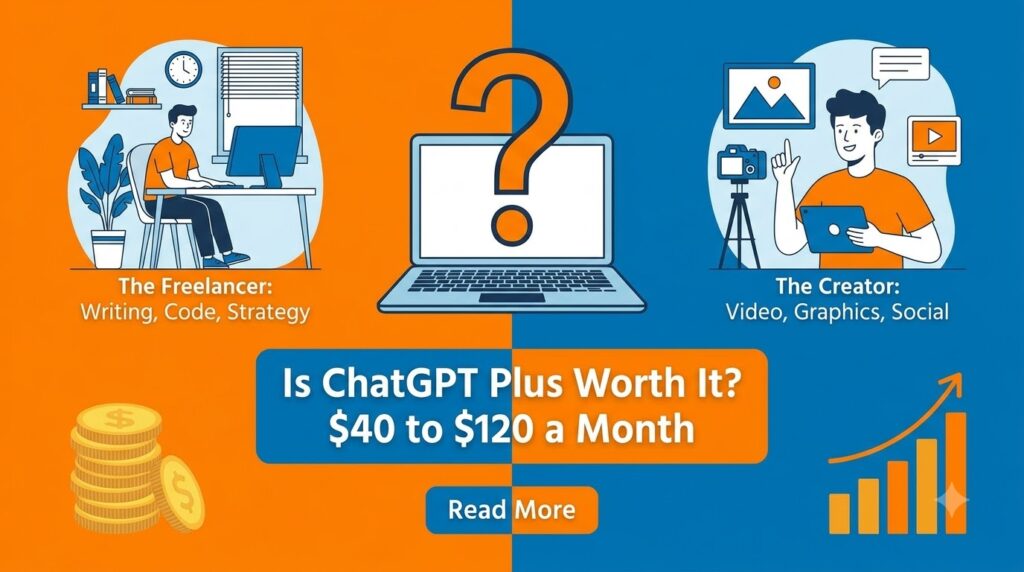
Is ChatGPT Plus worth it The Freelancer or Creator: $40 to $120 a Month
This is where costs sneak up on you. A typical stack looks like this:
- AI chatbot subscription: $20
- AI image generation (Midjourney or similar): $10–$30
- AI writing or grammar assistant: $12–$30
- AI video or voice tools (if you make content): $20–$40
Individually, each tool feels cheap. Together, they can quietly exceed $100 a month. My advice: audit your stack every 90 days. Most freelancers discover they actively use only half of what they pay for.
Realistic monthly total: $40–$120
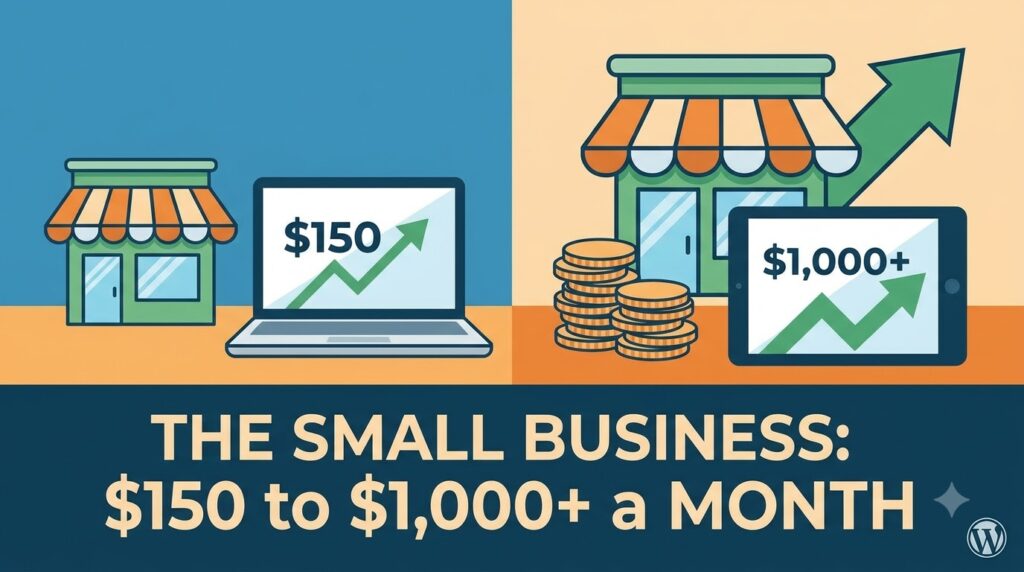
The Small Business: $150 to $1,000+ a Month
Businesses usually pay per seat. An AI-enabled workspace plan runs roughly $20–$30 per user per month, so a 10-person team is already at $200–$300 before adding anything specialized.
Then there are API costs. If you build AI into your own product or automate customer support, you pay per usage (measured in “tokens”, roughly chunks of words). A light workload might cost $50 a month. A chatbot handling thousands of customer conversations can run into the thousands. The good news: API prices have dropped dramatically year over year, so the same workload costs far less today than it did two years ago.
Realistic monthly total: $150–$1,000+, depending entirely on usage
The Hidden Costs Nobody Mentions
- Overlapping subscriptions. Paying for three tools that do the same thing.
- Time. Learning tools, fixing AI mistakes, and reviewing output isn’t free.
- Upgrade creep. “Pro” tiers, add-ons, and credits that expire.
- Electricity and hardware. If you run AI models locally, a capable GPU costs $500–$2,000 upfront, plus power.
So, Is It Worth It?
Here’s the honest math: if a $20 subscription saves you two hours a month, and your time is worth more than $10 an hour, you’re already ahead. The mistake isn’t paying for AI. The mistake is paying for AI you don’t use.
Start with one free tool. Upgrade only when you hit its limits. Cancel anything you haven’t opened in 30 days. That’s how you keep one month of AI closer to $20 than $200.
A Real-World Example: My Own AI Bill, Line by Line
Numbers in ranges are helpful, but nothing beats a real invoice. Here’s what a typical month looks like for someone doing content work and light development:
| Tool | Purpose | Monthly Cost |
|---|---|---|
| ChatGPT Plus | Writing, research, brainstorming | $20 |
| Claude Pro | Long documents, coding help | $20 |
| Midjourney Basic | Blog and social images | $10 |
| ElevenLabs Starter | Voiceovers for videos | $5 |
| API usage (misc.) | Small automation scripts | $8 |
| Total | $63 |
Sixty-three dollars. That’s more than a Netflix, Spotify, and YouTube Premium subscription combined. And here’s the uncomfortable part: when I tracked my actual usage for 30 days, I opened Midjourney four times and ElevenLabs twice. Fifteen dollars of that bill was essentially a donation.
The lesson? Track usage, not features. A tool with amazing features that you never open is worth exactly zero dollars.
The Big Players Compared: What $20 Actually Buys You
Almost every major AI company has settled on the same magic number: around $20 per month. But what you get for that $20 varies more than you’d think.
- ChatGPT Plus ($20/month): Access to the latest GPT models, image generation, file uploads, voice mode, and custom GPTs. The best all-rounder if you want one subscription that does a bit of everything.
- Claude Pro ($20/month): Known for handling very long documents and producing natural, thoughtful writing. A favorite among writers, researchers, and developers.
- Gemini Advanced (~$20/month): Deep integration with Gmail, Google Docs, and Drive. If your whole life runs on Google Workspace, this one multiplies in value.
- Microsoft Copilot Pro ($20/month): Brings AI directly into Word, Excel, and PowerPoint. The obvious pick for office workers drowning in spreadsheets and reports.
- Perplexity Pro ($20/month): Built for research, with cited sources and web search baked in. Ideal if your main use case is “find me accurate information fast.”
The takeaway: don’t pick based on hype. Pick based on where you already spend your working hours. A Google-centric person paying for Copilot Pro is buying the right tool for someone else’s life.
Annual Plans: The Easiest 15–20% You’ll Ever Save
Nearly every AI service offers an annual option at a discount, usually saving you around two months’ worth of fees. ChatGPT, Midjourney, Canva, Grammarly, all of them.
But here’s my rule: never buy annual in your first month. The AI market moves fast. The tool that’s best-in-class today might be second-best in six months. Subscribe monthly first, use it heavily for 60–90 days, and only then lock in a yearly plan for the tools that have proven themselves indispensable.
What About Free and Open-Source AI?
There’s a whole parallel universe of AI that costs nothing in subscription fees: open-source models like Llama, Mistral, and others that you can run on your own computer.
Here’s the honest breakdown:
- Upfront cost: A GPU capable of running decent models comfortably costs $500–$2,000. If your computer already has one (many gaming PCs do), your upfront cost is zero.
- Electricity: Running a GPU for a few hours a day adds roughly $5–$15 a month to your power bill, depending on local rates.
- Time cost: This is the big one. Setup, updates, troubleshooting, and model management take real hours. If you enjoy tinkering, it’s a hobby. If you don’t, it’s a tax.
- Quality: Open models have improved dramatically and handle everyday tasks well, but the biggest cloud models still lead on complex reasoning tasks.
My verdict: local AI makes sense for privacy-focused users, developers, and hobbyists. For everyone else, $20 a month buys you a better model with zero maintenance.
How AI Pricing Is Changing (And Why That’s Good News)
If there’s one trend to understand, it’s this: the cost of AI capability keeps falling.
The API price for a given level of intelligence has dropped by a factor of 10 or more over the past couple of years. What cost a business $1,000 a month in API fees two years ago might cost under $100 today. Meanwhile, free tiers keep getting better, because yesterday’s premium model becomes today’s free model.
What this means for your wallet:
- Don’t overcommit early. Whatever you’re paying now, the same capability will likely be cheaper next year.
- Free tiers are a moving target. Re-test them every few months. You might be paying for something the free tier now does well.
- Premium tiers are rising too. Companies are introducing $100–$200/month “Pro” and “Max” tiers for power users. These are genuinely useful for heavy daily users, but complete overkill for most people. Don’t let the existence of a $200 tier make $20 feel like a bargain you must grab.
How to Calculate If AI Is Worth It for YOU
Forget generic advice. Here’s a simple three-step formula:
- Track hours saved. For one week, note every task AI helped with and estimate the time saved. Be honest, include time spent fixing AI mistakes.
- Multiply by your hourly value. If you freelance at $30/hour and AI saves you 5 hours a month, that’s $150 of value.
- Compare to your total AI spend. Value ÷ Cost = your return. $150 of value on a $40 spend is nearly a 4x return. Keep it. $150 of value on a $200 spend? Time to cut tools.
Most people who do this exercise discover two things: their main chatbot subscription is wildly worth it, and half of their other subscriptions aren’t.
Five Ways to Cut Your AI Bill Without Losing Productivity
- Consolidate to one main assistant. Modern flagship chatbots handle writing, images, coding, and analysis. You rarely need three of them.
- Use free tiers strategically. Keep one paid subscription for daily work, and use free tiers of other tools for occasional tasks.
- Share team plans where allowed. Some business tools price per workspace, not per seat. Read the terms and structure accordingly.
- Set calendar reminders before renewals. Especially annual ones. A 10-minute review before each renewal date is the highest-paid 10 minutes of your month.
- Watch for bundled AI. Tools you already pay for (Notion, Canva, Google Workspace, Microsoft 365) increasingly include AI features. Check before buying a standalone tool that duplicates them.
The Bottom Line (replace the old conclusion with this)
So, how much does one month of AI really cost? For most people, the honest answer is $0 to $20. For working professionals, $40 to $120. For businesses, it scales with usage, but falling prices mean the same work gets cheaper every year.
The real cost of AI isn’t the subscription fee. It’s the unused subscriptions, the overlapping tools, and the annual plans bought on impulse. Treat AI spending like any other business expense: measure the return, cut what you don’t use, and keep what makes you faster.
Start with one tool. Master it. Then, and only then, add more. Your wallet and your productivity will both thank you.
What does your monthly AI bill look like? Share it in the comments. I’m genuinely curious whether most readers land closer to $20 or $200.
Frequently Asked Questions
Is ChatGPT Plus worth $20 a month? If you use AI daily for writing, research, or coding, yes. If you only ask a few questions a week, the free tier is usually enough.
Can I use AI completely free? Yes. Free tiers of major chatbots cover most casual needs, with limits on speed, usage caps, and access to the newest models.
How much does the OpenAI API cost per month? It depends on usage. Light personal projects can cost under $10 a month, while high-traffic business applications can run into hundreds or thousands.
Is it cheaper to run AI locally? Only long-term. Local models are free to run, but a capable GPU costs $500–$2,000 upfront, plus electricity.