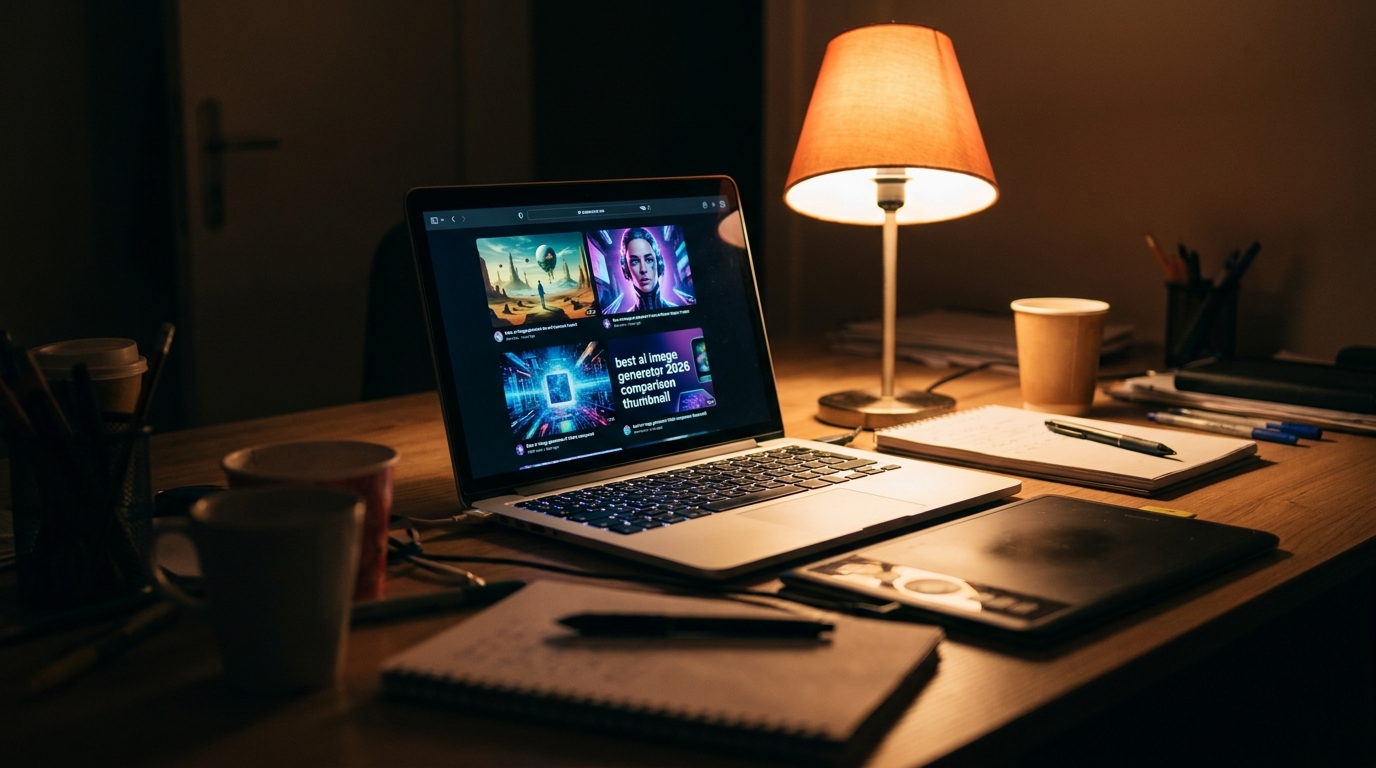
Two years ago I was paying a freelance designer nearly $40 for a single thumbnail. I had three videos going out every week and my budget was bleeding fast. That’s the real reason I started testing AI image tools, not because it sounded cool on Twitter, but because I genuinely couldn’t afford not to.
Since then I’ve spent countless late nights running the same prompt through Google Gemini, OpenAI’s GPT Image, Midjourney, and Adobe Firefly, just to see which one actually understood what I meant instead of guessing. Some gave me stock-photo-looking junk. Others nailed the lighting and mood on the first try. A few made me rewrite the prompt five times before giving up.
If you’re searching for the best AI image generator in 2026, you’ve probably already read ten blogs that just list features copied from the official websites. This isn’t that. This is what actually happened when I used these four tools for real client work, real thumbnails, and real social posts, week after week.
I’ll walk you through which tool I reach for depending on the job, how to get results that don’t look generic, and where this whole industry is quietly creating brand new jobs that didn’t exist two years ago.
Top AI Image Generation Tools I’ve Actually Tested
I’m not going to bore you with a spec sheet. I’ll tell you exactly where each tool shined and where it let me down, based on real projects, not a five-minute test run.
I’m not going to bore you with a spec sheet. I’ll tell you exactly where each tool shined and where it let me down, based on real projects, not a five-minute test run.
I’m not going to bore you with a spec sheet. I’ll tell you exactly where each tool shined and where it let me down, based on real projects, not a five-minute test run.
Best AI Image Generator
Google Gemini (Nano Banana 2)
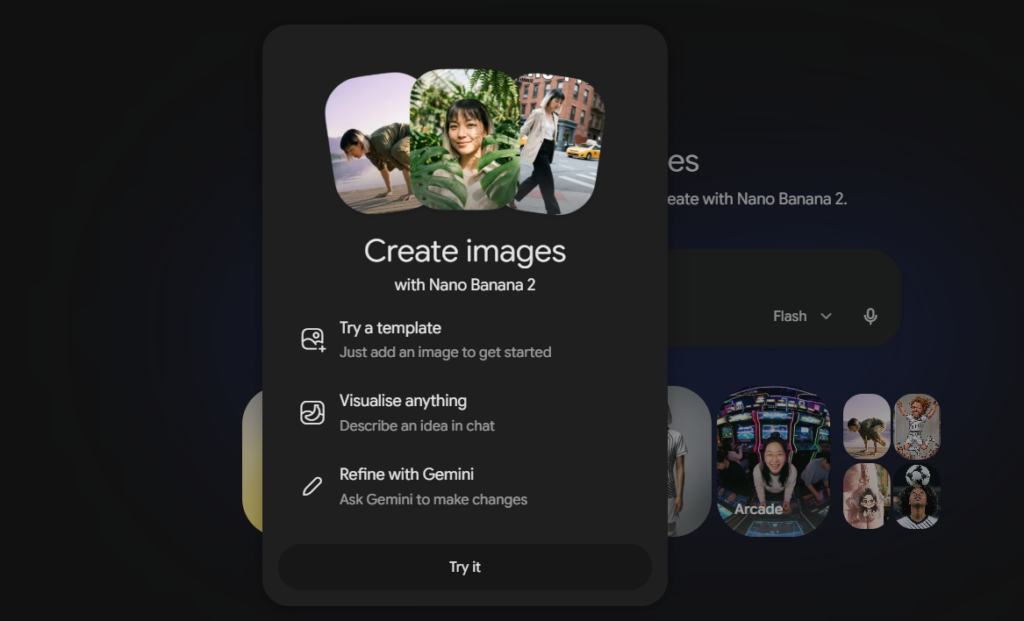
This one surprised me the most. I went in expecting something basic since it’s free, and it ended up becoming my daily driver. I use it mostly for quick social media graphics where I need something clean and realistic without spending a single rupee. The skin tones, lighting, and shadows come out looking natural almost every time, which is rare for a free tool.
What sold me completely was the text handling. I needed a graphic with a small caption baked into the image, and every other free tool I’d tried before this either blurred the letters or spelled words wrong. Gemini got it right on the second attempt.
The only place it struggles is highly stylized, artistic work. If I want something moody or painterly, Gemini tends to play it safe and give me something that looks a bit too polished, too “correct.” That’s when I switch tools, which I’ll get into next.

If Gemini is my practical daily tool, Midjourney is where I go when the image actually needs to feel like art. This is the one I use for hero images, cinematic thumbnails, and anything where mood matters more than accuracy.
The difference is honestly night and day once you get comfortable with how it “thinks.” Midjourney doesn’t just generate a picture, it interprets your prompt almost like a director would. Ask for “a lonely figure walking through fog at dusk” and it doesn’t just place a person in some fog, it builds an entire atmosphere around that feeling, sometimes better than what I originally imagined.
The learning curve is real though. My first two weeks were frustrating. I kept typing prompts the way I’d talk to a person, full sentences, polite requests, and got mediocre results. It wasn’t until I started writing prompts like a photographer giving instructions, lighting first, camera angle second, mood third, that everything clicked.
The downside is cost and control. It’s not free, and getting an exact object or exact text inside the image is still hit or miss. I’ve abandoned a Midjourney image halfway through more than once simply because the small details refused to cooperate, no matter how I reworded things.
GPT Image (via ChatGPT)
This is the one I recommend to anyone who tells me they’re too intimidated to try AI image generation. If Midjourney felt like learning a new language, GPT Image felt like just talking to a friend.
I use this mostly when I need to fix something small without starting over. Say I generate an image and the lighting is close but the background is too busy. With Midjourney, that usually means rewriting the whole prompt and hoping for the best. With GPT Image, I just type “keep everything the same but simplify the background” and it actually listens. That back-and-forth editing style alone has saved me hours on weeks when I’m producing content on a tight deadline.
It’s also genuinely strong for beginners because you don’t need to memorize any special prompt formula. You describe what you want in plain language, almost like you’re explaining it to a designer over chat, and it gets surprisingly close on the first try.
Where it falls short for me is pure artistic style. It’s dependable and accurate, but it rarely surprises me the way Midjourney does. It plays it safe, which is great when I need something specific, and less exciting when I want something unexpected.
Firefly earned its spot in my toolkit for one reason: peace of mind. When I’m creating content that clients will actually publish commercially, I need to know the images won’t come back to bite anyone legally. Firefly is trained on licensed content, and Adobe is upfront about that, which matters more than people realize once you’re doing this professionally instead of just for fun.
The real advantage shows up once you’re already inside Photoshop or Illustrator. I don’t have to export anything or jump between five different tabs. I can generate a background, extend an image that’s slightly too small for a layout, or remove an object, all without leaving the file I’m already working in. That workflow alone has saved me more time than the actual image quality has.
Speaking of quality, it’s good, not flashy. Firefly won’t give you the dramatic, painterly results Midjourney does. It plays it straight and practical, which is exactly what you want when you’re building assets for a brand rather than chasing something artistic.
If your work involves client deliverables, brand consistency, or anything that needs to survive a legal review, Firefly is the one I’d trust first.
How To Actually Use These Tools (Without Wasting Hours)
Every one of these tools follows the same basic rhythm once you strip away the marketing language, and this is the part most beginners skip.
Start with the subject first, always. Not “beautiful sunset,” but what’s actually in the frame. A woman reading a book by a window, for example. Then layer in mood and lighting second. Golden hour, soft shadows, warm tones. Camera details come last, and this is the part that changed everything for me. Adding something like “shot on a 50mm lens, shallow depth of field” instantly pushes any of these tools toward something that looks intentional instead of random.
The mistake I made early on was expecting the first result to be the final one. It almost never is. My actual process now is generate, look at what’s wrong, fix one thing at a time, regenerate. Two or three rounds, not one.
One habit that’s genuinely helped me: I keep a running note of prompts that worked well for specific moods, lighting styles, or subjects. Instead of starting from zero every time, I tweak a proven prompt. It’s cut my editing time down significantly.
AI Image Generation vs Traditional Design and Stock Photos
I used to spend hours scrolling stock photo sites looking for an image that almost matched what I needed, then settling for “close enough” because deadlines don’t wait. That compromise is exactly what changed for me once I switched over.
With stock photos, you’re picking from what already exists. Someone else decided the pose, the lighting, the background, and you just hope it fits your content. With AI image generation, I describe the exact scene in my head and get something built specifically for that post, not borrowed from a library thousands of other creators are also pulling from.
Cost is the other obvious difference. A single licensed stock photo can run anywhere from a few dollars to fifty or more depending on usage rights. I’m now generating unlimited variations for a fraction of that, sometimes for free, without worrying about licensing headaches down the road.
Traditional design work still wins in one area though: precision. If a client needs an exact logo placement or a specific brand color matched pixel-perfectly, a human designer with proper tools still does that more reliably than any AI model right now. I use AI for volume and speed, and I still bring in a designer for anything that needs pixel-level accuracy.
New Job Opportunities This Technology Is Creating
Everyone I talk to assumes AI image tools are only destroying jobs, and I understand why. But from where I sit, actually working in this space daily, I’m seeing something different play out in real time.
Prompt engineering has quietly become an actual skill people get paid for. I know creators charging clients specifically because they’ve figured out how to consistently get a certain look out of Midjourney or Firefly, something that took me months of trial and error to learn myself. That knowledge has real value now.
There’s also a growing need for AI art directors, people who don’t generate images themselves but guide a team on style, consistency, and brand voice across hundreds of AI-generated assets. That role barely existed two years ago.
Then there’s what I’d call the fixer role. AI images are rarely perfect straight out of the tool. Someone still needs to clean up odd hands, fix inconsistent lighting between images, or blend AI output with real photography. Designers who’ve adapted to this hybrid workflow are actually busier than before, not less busy.
The people struggling are the ones refusing to touch these tools at all. The ones adapting are finding entirely new ways to get paid.
Which One Should You Pick? My Honest Final Verdict
If you’re just starting out and don’t want to spend a rupee yet, Google Gemini is where I’d tell you to begin. It’s genuinely capable, forgiving for beginners, and handles text inside images better than tools twice its price.
If your work leans creative, thumbnails, cinematic visuals, anything where mood carries the image, Midjourney is worth the learning curve and the subscription cost. Nothing else I’ve used comes close to that artistic depth once you learn how it thinks.
For fast, conversational editing where you just want to describe changes in plain English without starting over, GPT Image inside ChatGPT is the one that’ll save your sanity on tight deadlines.
And if you’re doing client work that needs to survive a legal or brand review, Adobe Firefly is the safer, steadier choice.
Honestly, I don’t use just one. I switch between all four depending on what a project actually needs that day. That’s probably the real lesson here. The best AI image generator isn’t a single winner, it’s whichever tool matches the job in front of you. Try two or three yourself before committing to just one, your workflow will tell you which one fits.