Best AI Website Builder in 2026 A few months back I needed a website. Nothing fancy just a simple page where people could see my work and reach out The problem was, I didn’t know how to code, and paying a developer felt like too much money for something I wanted done in a week, not a month.
That’s when I heard about AI website builders. Honestly, I was skeptical at first. I’ve tried enough “smart” tools in my life to know that “AI-powered” doesn’t always mean good. But curiosity won, and I decided to actually try one instead of just reading reviews about it.
What happened next changed how I think about building a website completely. In under an hour, I had something that looked like it took a designer a week to make. No dragging boxes around. No staring at a blank template wondering where to even start.
If you’re standing where I was a few months ago — wanting a website but not wanting the hassle — this guide is for you. I’m going to walk you through what an AI website builder actually is, my real experience using one, the best options worth trying in 2026, and even the new job opportunities this shift is quietly creating.
What Is an AI Website Builder (And Why Everyone’s Suddenly Using One)
Let’s keep this simple, no tech jargon. An AI website builder is a tool where you describe what you want in plain words, and it builds the actual pages for you. Layout, colors, text, even images — the AI handles most of it. You just guide it and fix what doesn’t feel right.
Compare that to the old way of building a website. You’d open a blank template, drag boxes around for an hour, pick fonts, write your own content, and somehow still end up with a page that looks like everyone else’s. That process hasn’t changed much in over a decade.
What has changed is how good the AI-generated result actually looks. A few years ago, these tools produced sites that felt obviously fake — generic text, weird layouts, nothing that felt like “you.” That’s not really true anymore. The best AI website builder tools in 2026 understand context. Tell it you run a bakery in Bangalore, and it won’t hand you copy that could belong to any random business in any random country.
That’s really why this shift is happening. It’s not replacing good design. It’s removing the barrier that kept regular people from having one in the first place.
What I Built and How Long It Took
I picked one of the popular AI website builders and started with a single sentence about what I needed — a simple site introducing my work, with a page for contact and a small gallery. That’s it. I hit enter and waited, half expecting something clunky.
What came back in under a minute was a full draft. A homepage with a proper headline, a section explaining what I do, a gallery already filled with matching images, and a contact form sitting right where you’d expect it. Nothing about it screamed “template.”
The whole thing, start to finish including small edits, took me about 40 minutes. Compare that to the three weekends I once spent trying to build a basic site the old way, watching tutorials and still getting stuck on things like aligning a logo. This time, I typed what I wanted changed, and it changed. “Make the header darker.” “Add a testimonials section.” Done, in seconds, no code touched.
It wasn’t perfect on the first try. But getting from nothing to something that looked genuinely usable, that fast, was the part that actually surprised me.
What Surprised Me
Three things stuck with me after using it.
First, the writing. I expected robotic, generic text — the kind you can spot from a mile away. Instead, the headlines and descriptions actually matched the tone I’d typed in my prompt. It wasn’t perfect copywriting, but it wasn’t embarrassing either. A few tweaks and it sounded like me.
Second, how much control I still had. I assumed AI would just spit out one fixed result and I’d be stuck with it. That’s not how it worked. Every section could be rewritten, moved, or replaced just by asking. It felt less like using software and more like talking to someone building the site with me.
Third, and honestly the biggest one — how little I had to think about design rules I don’t actually know. Spacing, color matching, mobile view, all of it was handled without me needing to understand why a certain layout works better than another.
None of this means the tool did everything perfectly. I still had to check the content for accuracy, fix a couple of odd word choices, and rearrange one section myself. But the heavy lifting, the part that used to take days, was already done.
5 Best AI Website Builders Worth Trying in 2026
I didn’t want to just list tools I’d read about somewhere else. So here are five that are actually worth your time in 2026, each good for a different kind of person.
1. Hostinger AI Website Builder – Best for Budget and Speed
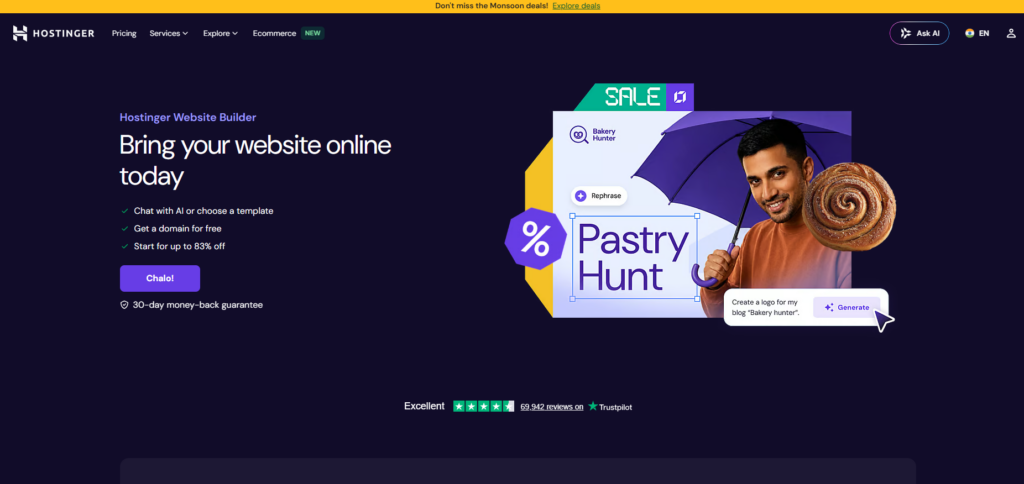
If money and time are both tight, start here. You answer a few basic questions about your business, and within about a minute, you get a complete website — homepage, contact form, image gallery, even basic SEO-friendly text already written in.
It’s not going to win any design awards. The templates feel a little safe, and you’ll probably want to tweak the wording afterward so it sounds more like you. But for the price, it’s hard to beat. If you just need something live and working without overthinking it, this is where I’d point a beginner first.
Best for: Freelancers, students, and small business owners who want a working site fast without spending much.
Wix AI Website Builder – Best for Full Control
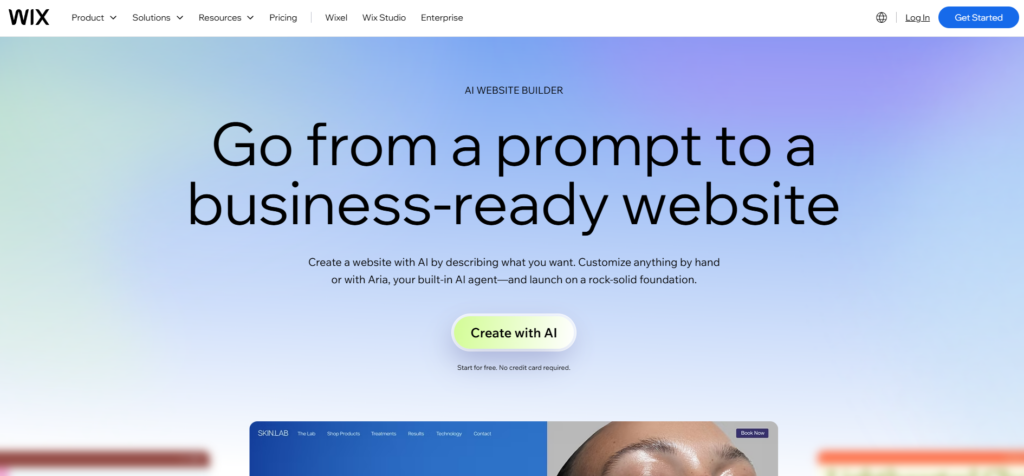
Wix’s version works almost like a chatbot. You describe your business and your goals, and it asks a few follow-up questions before generating a multi-page draft. What I liked is that once the AI finishes, you’re not stuck with it — you drop straight into Wix’s regular editor and can change literally anything.
The trade-off is that the classic editor can feel a bit much right after the simple AI setup. One minute you’re chatting with an assistant, the next you’re looking at a full drag-and-drop dashboard. Worth it if you actually want that extra control later.
Best for: Beginners who want AI to do the first 80%, but still want the freedom to fully customize the rest themselves.
3. Framer AI – Best for Design-Focused Sites
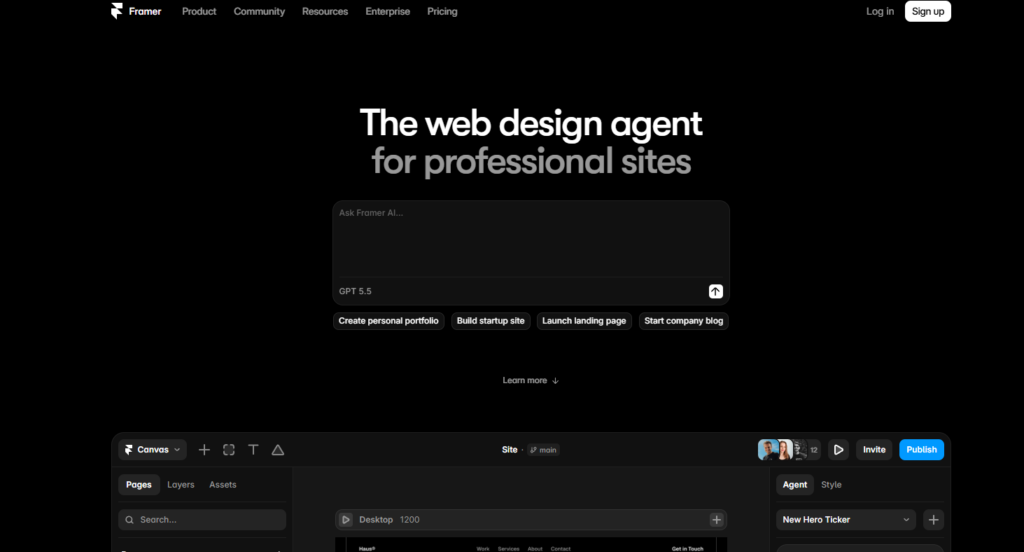
Out of everything I looked at, Framer produced the most polished results with the least cleanup afterward. If you care about how your site looks — a portfolio, a personal brand, a creative business — this is the one that feels closest to “designer-made.”
Best for: Creators, bloggers, and anyone where visuals matter as much as the words.
4. Durable – Best for Getting Online Fast
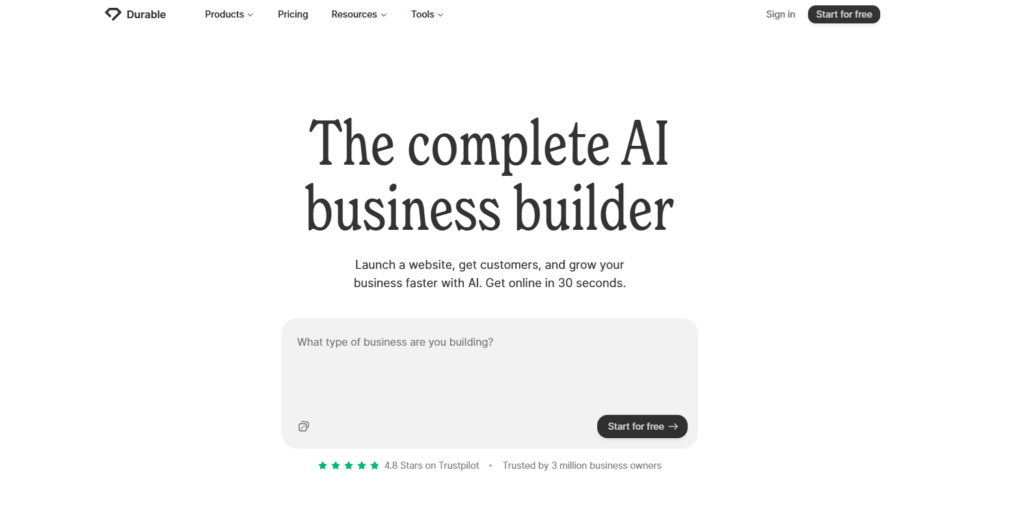
If speed is your only priority, Durable is the fastest of the bunch. Type in your business name, what you do, and your location, and it generates a complete site, images, service descriptions, and contact form included, in under a minute. Less thinking, more launching.
It won’t give you deep design flexibility, and it’s not built for big online stores. But for a local business or a solo service provider who just needs a working page today, it does exactly what it promises.
Best for: Solo founders, local shops, and freelancers who want something live now, not next week.
5. 10Web – Best for Long-Term Flexibility
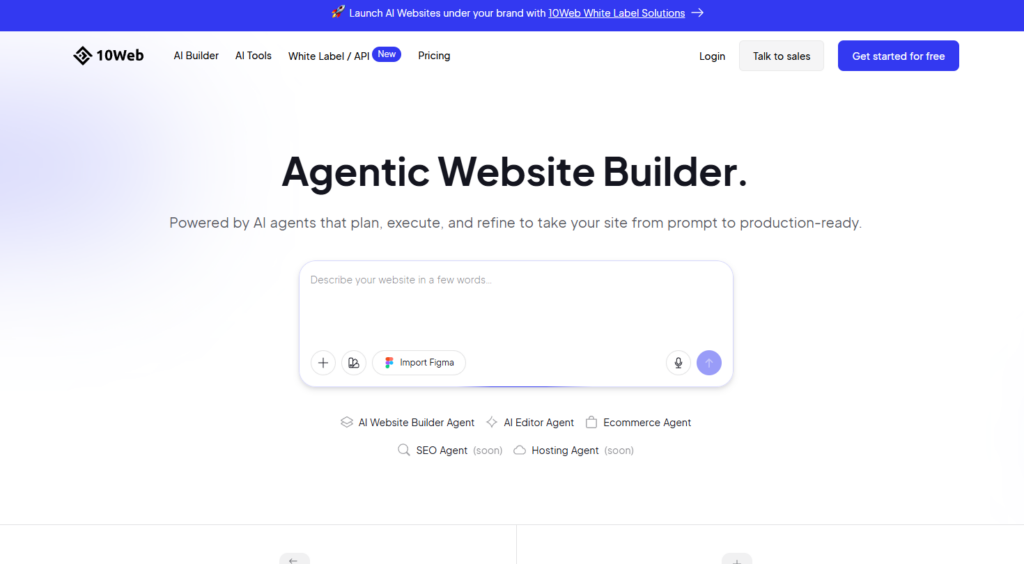
10Web builds your AI-generated site on actual WordPress, not a closed platform. That matters if you think you’ll want more control down the line, plugins, custom features, or a developer’s help later. The AI handles the first draft, then you’re free to grow it like any WordPress site.
Best for: Anyone who wants a real AI head-start but doesn’t want to feel locked into one platform forever.
Quick Comparison at a Glance
Budget pick: Hostinger. Beginner with control: Wix. Best design: Framer. Fastest: Durable. Most flexible long-term: 10Web.
Cost and Time Difference
Let’s be honest about the numbers, because this is usually the real deciding factor.
Hiring a developer for a basic business website can easily cost anywhere from a few hundred to a few thousand dollars, depending on where you are and what you need. Add in back-and-forth revisions, and you’re looking at anywhere from two to six weeks before it’s actually live.
An AI website builder flips that completely. Most of the tools I covered above cost somewhere between one and fifteen dollars a month. And instead of weeks, you’re looking at minutes to get a working draft, then maybe a few hours of tweaking to make it feel right.
That doesn’t mean AI wins in every situation. If you’re building something complex, a large online store, custom booking systems, or a site with very specific functionality, a developer or a heavier tool like Webflow still makes more sense. AI builders are strongest for straightforward business sites, portfolios, and blogs, not complicated web applications.
But for the average person who just needs a clean, working website without draining their savings, the math isn’t close anymore. AI is simply the more practical starting point.
Roles You Can Start Today
Here’s something people don’t talk about enough. Every time AI removes one kind of work, it quietly creates a different kind of work around it. Website building is a good example.
Since AI can now build the base of a site in minutes, businesses still need someone to guide the process, someone who knows how to describe what they want clearly, fix what the AI gets wrong, and make the final result actually convert visitors into customers. That’s a real, paid skill now.
I’ve come across small business owners who have no interest in learning any of these tools themselves. They’d rather pay someone a small fee to describe their business well, run it through an AI builder, clean up the result, and hand them a finished site. That’s an entire freelance service built around a tool that didn’t even exist like this a few years ago.
There’s also a growing demand for people who can write good instructions for AI in general, often called prompt engineers or AI content specialists, and this skill applies directly to website building too. Some roles in this space are seeing genuine year-over-year growth, not hype, real hiring.
How to Get Started With Zero Experience
You don’t need a coding background or a design degree for this. What you actually need is comfort with one AI website builder, decent English (or whatever language your local businesses use), and the patience to describe things clearly and fix small mistakes.
Start by building two or three practice sites for free, maybe for a friend’s small business, or even a fake business, just to get fast at it. Learn what kind of prompt gives you a clean layout versus a messy one. That practice is what actually makes you hireable, not a certificate.
Where to Find These Freelance Gigs
Local business Facebook groups are an underrated place to start, since most small shop owners aren’t searching job boards for this, they just need someone reliable nearby. Beyond that, freelance platforms and even simple word-of-mouth work well once you’ve built two or three real examples to show.
A Simple First Step This Week
Pick one local business you know personally, offer to build them a free draft site this week, and use that result as your first portfolio piece. That one project usually opens the door to the next paid one.
Which One Should You Actually Pick
If you’re just starting out and money matters most, go with Hostinger. It gets you online fast without draining your pocket, and honestly, that’s what most beginners actually need first.
If you want AI to do the heavy lifting but still want to feel like you’re in control of every detail, Wix makes more sense. You get the quick draft, then the freedom to shape it exactly how you want.
If your work depends on how things look, a portfolio, a personal brand, anything creative, Framer is worth the extra effort. First impressions matter more in that world, and it shows.
If you literally just need a business online today with zero patience for extra steps, Durable does that better than anything else I tried.
And if you’re thinking long-term, maybe you’ll want a developer’s help someday, go with 10Web so you’re not locked into one closed system later.
Final Thoughts
A few months ago, I didn’t think I’d ever say this, but building a website stopped being the hard part. Knowing what you actually want to say on it, that’s still on you. AI can’t do that thinking for you, and honestly, it shouldn’t.
FAQs
H3: Is an AI website builder actually free to use?
Most offer a free plan to try, but it usually comes with their branding and a subdomain instead of your own domain name. If you want something that looks professional and fully yours, expect to pay somewhere between one and twenty dollars a month, depending on the tool.
Do I need any coding knowledge at all?
No. Every tool I covered above works through plain text instructions or simple questions. If you can describe your business in a sentence or two, you can use these.
Can an AI-built website actually rank on Google?
Yes, but not automatically. The AI gives you a solid starting structure, SEO-friendly layout, decent headings, fast loading. But ranking well still needs real, accurate content and some manual editing on your part. AI gets you 70% there, not 100%.
Will AI website builders replace web designers?
Not entirely. They’re removing the need for a designer on simple sites, but complex, custom, or large-scale websites still benefit from real design and development skills. It’s shifting the work, not erasing it.