
Making content used to mean juggling five different apps just to publish one video or blog post. Write in one tab, design a thumbnail in another, edit clips in a third, then hope your caption doesn’t sound stiff. That workflow is changing fast.
AI tools for content creators have moved from “nice extra” to “the thing that saves your evening.” Whether you’re a YouTuber, a TikTok creator, a blogger, or someone running a small brand account, the right AI stack can cut your production time in half without making your content feel robotic.
This guide breaks down the best AI tools for content creators in 2026, organized by what you actually need them for: writing, video, images, editing, voice, and research. No fluff, no hype, just a practical look at what works, what doesn’t, and how to pick tools that fit your workflow and budget.
Why Content Creators Are Turning to AI
The content creation world has gotten more competitive and more time-consuming at the same time. Platforms reward consistent posting, but nobody has unlimited hours in a day.
AI tools help in three practical ways:
- Speed: Drafting a script, generating a thumbnail, or editing a rough cut takes minutes instead of hours.
- Consistency: Tools can help maintain a similar tone, style, or visual identity across posts, which matters for building a recognizable brand.
- Accessibility: Someone with no design or editing background can now produce content that looks professional.
None of this means AI replaces creativity. Think of it more like a very capable assistant. It handles the repetitive parts so you can focus on ideas, storytelling, and the parts only a human touch can really nail.
How to Choose the Right AI Tool for Your Needs
Before jumping into specific tools, it helps to ask a few questions:
- What’s your main content format? Short-form video, long-form video, blog writing, and social graphics each need different tools.
- What’s your budget? Many tools offer free tiers, but heavy use (especially video generation) usually needs a paid plan.
- How much editing control do you want? Some tools are fully automated; others give you granular control over every frame or sentence.
- Does it fit your platform? A tool built for YouTube Shorts might not export the right aspect ratio for Instagram Reels without extra steps.
A common scenario is a creator trying five different tools before settling on two or three that actually fit their routine. That trial-and-error phase is normal, so don’t expect to find your perfect stack on the first try.
Best AI Writing Tools for Content Creators
Writing is where most creators start, whether it’s scripts, captions, blog posts, or video descriptions.
1. ChatGPT
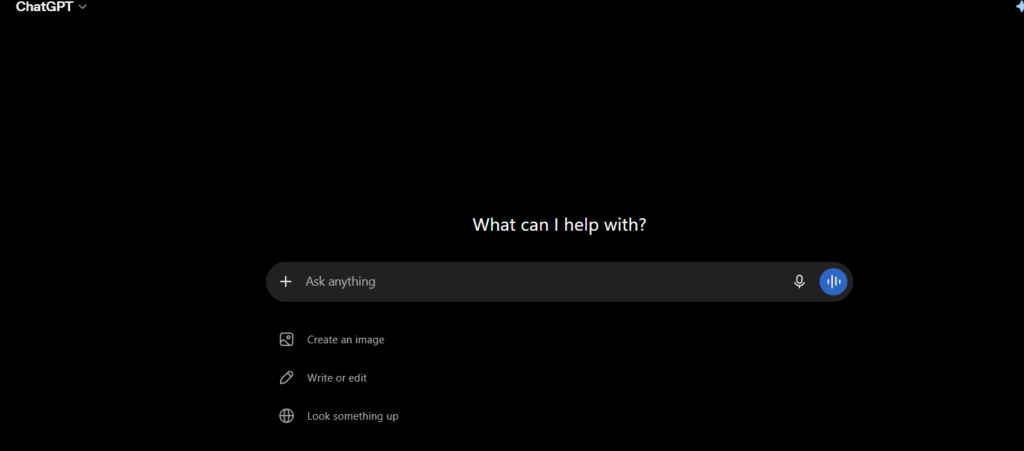
ChatGPT remains one of the most flexible AI writing assistants available. It’s useful for brainstorming video ideas, drafting scripts, writing captions, and even outlining full blog posts.
Best for: Scriptwriting, brainstorming, quick captions, and structuring articles.
2. Claude

Claude is known for producing more natural, less “AI-sounding” prose, which matters a lot for creators who want their written content to sound like an actual person talking. It also handles longer documents well, which helps when outlining a full content calendar or a detailed video series.
Best for: Long-form writing, tone consistency, and editing existing drafts to sound more human.
3. Jasper
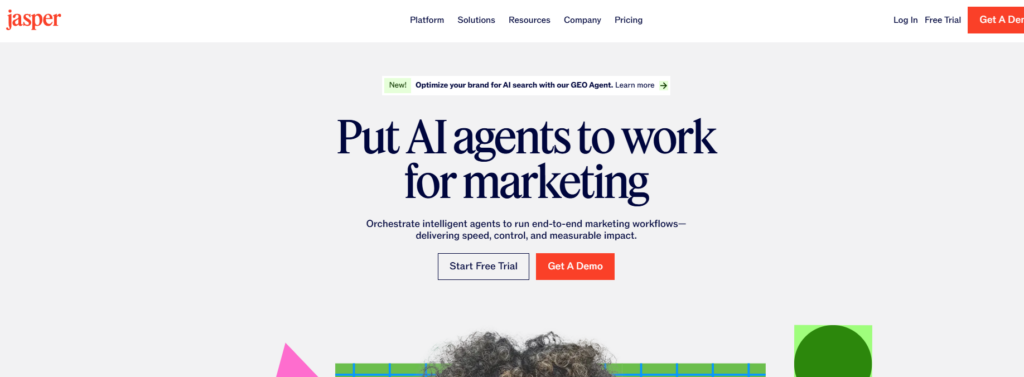
Jasper is built specifically with marketers and content teams in mind. It includes templates for ad copy, product descriptions, and social captions, which can save time if you’re producing a high volume of short pieces.
Best for: Marketing copy and teams that need brand voice consistency across multiple writers.
4. Grammarly
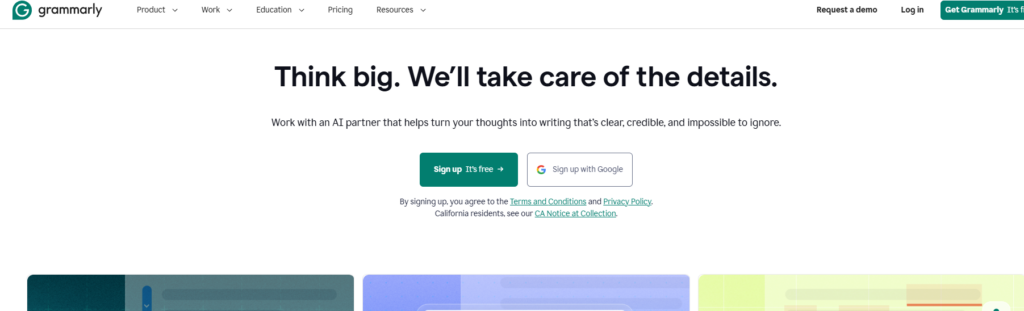
Grammarly isn’t a writing generator in the traditional sense, but its AI-powered suggestions catch tone issues, clarity problems, and grammar mistakes that are easy to miss when you’re moving fast.
Best for: Polishing final drafts before publishing.
Best AI Video Generation Tools
Short-form video dominates most platforms today, and AI video generators have made a real difference here.
1. Google Veo

Google Veo generates realistic video clips from text prompts, and it has become popular among creators making short story-driven content, including pet videos, family scenarios, and narrative shorts. It handles motion and lighting reasonably well, though character consistency across multiple clips still requires careful prompt engineering.
Best for: Story-based short-form video with realistic visuals.
2. Runway
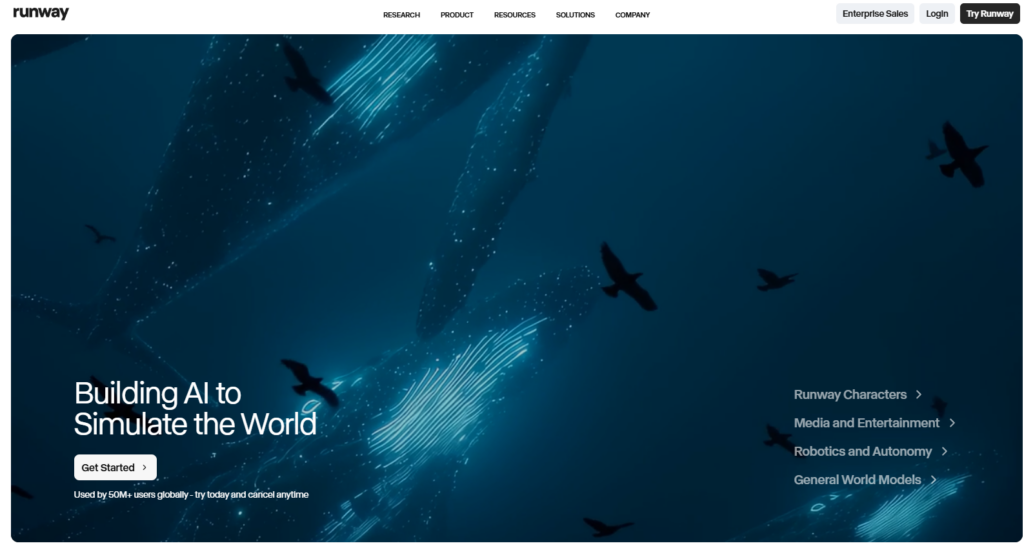
Runway offers a suite of video generation and editing tools, including text-to-video, video-to-video style transfer, and green-screen-style background removal. It’s popular with creators who want more creative control over the final look.
Best for: Stylized video effects and creative experimentation.
3. Kling AI
Kling AI is another text-to-video option that has gained traction for smoother motion in certain scenes. Many creators use it alongside other tools, generating a few clips in each and picking the best results.
Best for: Testing multiple video styles quickly.
4. Pika
Pika focuses on short, punchy video generation with a simpler interface, making it a good starting point for beginners who don’t want to deal with complex settings.
Best for: Beginners experimenting with AI video for the first time.
A quick reality check: AI video generation tools are improving fast, but none of them guarantee perfect character consistency across every single clip. Many users notice small inconsistencies in faces, colors, or backgrounds between generations. Expect to regenerate a scene once or twice before you get a usable result.
Best AI Image and Design Tools
Thumbnails, social graphics, and cover images still matter enormously for click-through rates.
1. Canva (with Magic Studio)
Canva’s AI features let you generate images, remove backgrounds, resize designs for different platforms, and even write copy suggestions, all inside one dashboard. It’s especially useful for creators who aren’t trained designers.
Best for: Thumbnails, social graphics, and quick platform resizing.
2. Adobe Firefly
Firefly is built into Adobe’s Creative Cloud apps and is trained specifically to be commercially safer for use, which matters if you’re monetizing your content and want to avoid copyright headaches.
Best for: Creators who already use Photoshop or Premiere Pro.
3. Midjourney
Midjourney produces some of the most visually striking AI images available, often with an artistic, painterly quality. It works through Discord, which has a learning curve, but the output quality is hard to beat for illustrative or stylized content.
Best for: High-quality illustrations and stylized artwork.
Best AI Video and Audio Editing Tools
Once you have raw footage or generated clips, editing tools bring everything together.
1. CapCut
CapCut has become a favorite among short-form creators because of its auto-captioning, template library, and AI-powered background removal, all available for free on mobile.
Best for: Fast, mobile-friendly editing for TikTok, Reels, and Shorts.
2. Descript
Descript lets you edit video by editing text, meaning you can cut, rearrange, or remove sections of a video just by deleting words in a transcript. It also includes AI voice cloning for fixing small verbal mistakes without re-recording.
Best for: Podcast editing and dialogue-heavy video content.
3. ElevenLabs
ElevenLabs specializes in realistic AI voice generation and cloning, which is useful for voiceovers, especially when you need a consistent narrator voice across many videos.
Best for: Voiceovers and narration for faceless content channels.
Best AI Tools for Research and SEO
Great content still needs solid research and search visibility.
1. Perplexity
Perplexity works like a research assistant, pulling together sourced answers to specific questions, which helps when fact-checking a script or gathering background for a topic.
Best for: Quick, source-backed research.
2. Surfer SEO
Surfer analyzes top-ranking pages for a keyword and gives you data-driven suggestions on structure, word count, and related terms to include.
Best for: Optimizing blog posts and articles for search rankings.
3. Google Trends
While not strictly an AI tool, Google Trends is often paired with AI writing tools to validate whether a topic has real search demand before you invest time creating content around it.
Best for: Topic and keyword validation.
Comparison Table: Top AI Tools at a Glance
| Tool | Category | Free Plan Available | Best For | Learning Curve |
|---|---|---|---|---|
| ChatGPT | Writing | Yes | Scripts, captions, brainstorming | Low |
| Claude | Writing | Yes | Long-form, natural tone | Low |
| Google Veo | Video Generation | Limited | Story-driven short videos | Medium |
| Runway | Video Generation/Editing | Limited | Stylized video effects | Medium |
| CapCut | Video Editing | Yes | Short-form editing | Low |
| Canva | Design | Yes | Thumbnails, graphics | Low |
| Descript | Audio/Video Editing | Limited | Podcast and dialogue editing | Medium |
| ElevenLabs | Voice Generation | Limited | Voiceovers, narration | Low |
| Surfer SEO | SEO | No | Content optimization | Medium |
Pricing and free-tier limits change often, so it’s worth checking each tool’s official pricing page before committing to a paid plan.
Step-by-Step: Building Your AI Content Workflow
Here’s a practical way to combine these tools into one repeatable process.
- Research and validate your topic. Use Google Trends or Perplexity to confirm there’s real interest before writing anything.
- Draft your script or outline. Use ChatGPT or Claude to write a first draft, then edit it yourself so it sounds like you.
- Generate or shoot your visuals. Use Google Veo, Runway, or Kling AI for AI-generated scenes, or shoot real footage if that fits your content style.
- Design your thumbnail or cover. Use Canva or Firefly to create a graphic that matches your channel’s visual identity.
- Edit everything together. Use CapCut or Descript to trim clips, add captions, and sync audio.
- Add voiceover if needed. Use ElevenLabs for narration, keeping the same voice across your series for consistency.
- Optimize your title and description. Run your text through Surfer SEO or similar tools if you’re publishing to a blog alongside video.
- Review before publishing. Always do a final human pass. AI tools are fast, but they still make mistakes worth catching.
This workflow won’t look identical for every creator. A blogger might skip steps four through six entirely, while a video-first creator might spend most of their time there. Adjust based on your actual content format.
Pros and Cons of Using AI Tools for Content Creation
Pros:
- Significantly faster production time
- Lower barrier to entry for people without design or editing skills
- Easier to maintain consistent posting schedules
- Often more affordable than hiring a full creative team
- Helps with idea generation when you’re stuck
Cons:
- Character and style consistency across clips can be unreliable
- Over-reliance on AI writing can make content sound generic if you don’t edit it
- Some platforms have policies around AI-generated content disclosure
- Quality varies a lot between tools and even between generations from the same tool
- Free tiers are often limited, and costs can add up once you need multiple paid subscriptions
Common Mistakes Creators Make With AI Tools
- Publishing AI drafts without editing. Raw AI output often sounds stiff or generic. A quick human edit pass makes a huge difference.
- Ignoring platform disclosure rules. Some platforms require you to label content as AI-generated or AI-assisted. Skipping this can lead to demonetization or account issues.
- Chasing every new tool. Constantly switching tools wastes more time than it saves. Pick two or three that fit your workflow and stick with them.
- Expecting perfect consistency from video generators. Character faces, outfits, and backgrounds can shift slightly between AI-generated clips. Plan for a few regenerations rather than expecting one-shot perfection.
- Forgetting to fact-check AI-written content. AI writing tools can produce confident-sounding but incorrect information. Always verify facts, statistics, and claims before publishing.
Frequently Asked Questions
What are the best AI tools for content creators just starting out? ChatGPT or Claude for writing, Canva for design, and CapCut for editing are a solid, mostly free starting combination that covers the basics without a steep learning curve.
Are AI video generators like Google Veo free to use? Most offer a limited free tier with restricted generations per month. Heavier use, especially for daily content, usually requires a paid subscription.
Do I need to disclose that I used AI tools in my content? Many platforms, including YouTube, have disclosure requirements for content that’s substantially AI-generated. Check the specific platform’s current policy, since these rules have been updated over time.
Can AI tools completely replace human creativity in content creation? Not really. AI tools speed up production and handle repetitive tasks, but ideas, storytelling choices, and the final editorial judgment still benefit from a human perspective.
Which AI tool is best for short-form video content? For generation, Google Veo, Runway, and Kling AI are popular choices. For editing, CapCut is widely used because of its auto-captioning and mobile-first design.
Is it expensive to build a full AI content creation workflow? It depends on your volume. Many creators start with free tiers across several tools and only upgrade to paid plans once they’ve confirmed which tools they actually rely on regularly.
Final Conclusion
The best AI tools for content creators in 2026 aren’t about replacing your voice or your ideas. They’re about removing the repetitive, time-consuming parts of production so you can spend more energy on the parts that actually make your content stand out.
Start small. Pick one writing tool, one video or editing tool, and one design tool. Get comfortable with them before adding anything else to your stack. Over time, you’ll find the combination that fits your specific content style, platform, and budget, and that’s really the goal: a workflow that works for you, not one that just looks impressive on paper.
Key Takeaways
- AI tools for content creators span writing, video generation, design, editing, and research, and most creators only need two or three tools to cover their core workflow.
- Tools like ChatGPT and Claude help with scripts and captions, while Google Veo, Runway, and Kling AI handle AI video generation.
- CapCut and Descript are strong choices for editing, and Canva or Firefly cover design needs without requiring design experience.
- Always edit AI-generated drafts and verify facts before publishing to keep content accurate and authentic.
- Expect some inconsistency in AI-generated video, especially with character appearance across multiple clips.
- Check platform-specific rules on AI content disclosure before publishing.
- Build your workflow gradually rather than adopting every new tool at once.