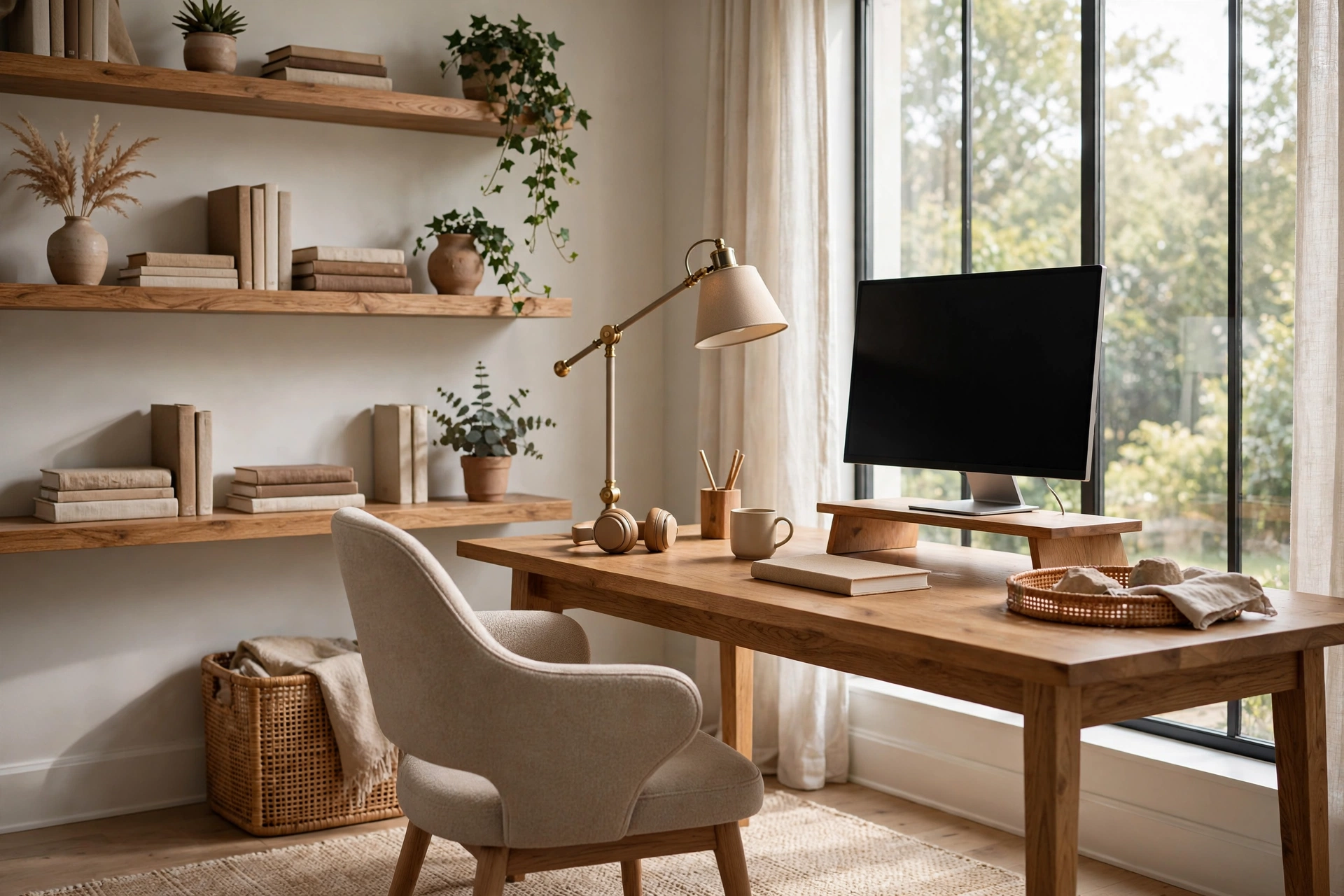
Working from home is no longer a temporary setup — for millions of people, the home office is where the workday happens. But a laptop on the kitchen table was never meant to be permanent. The right home office decor ideas do two jobs at once: they make the space comfortable enough to work in all day and attractive enough to live with the rest of the time. The ten ideas below cover ergonomics, lighting, storage, and style, each with practical how-to steps and what to avoid.
1. Start with the Desk: The Most Important Home Office Decor Idea of All
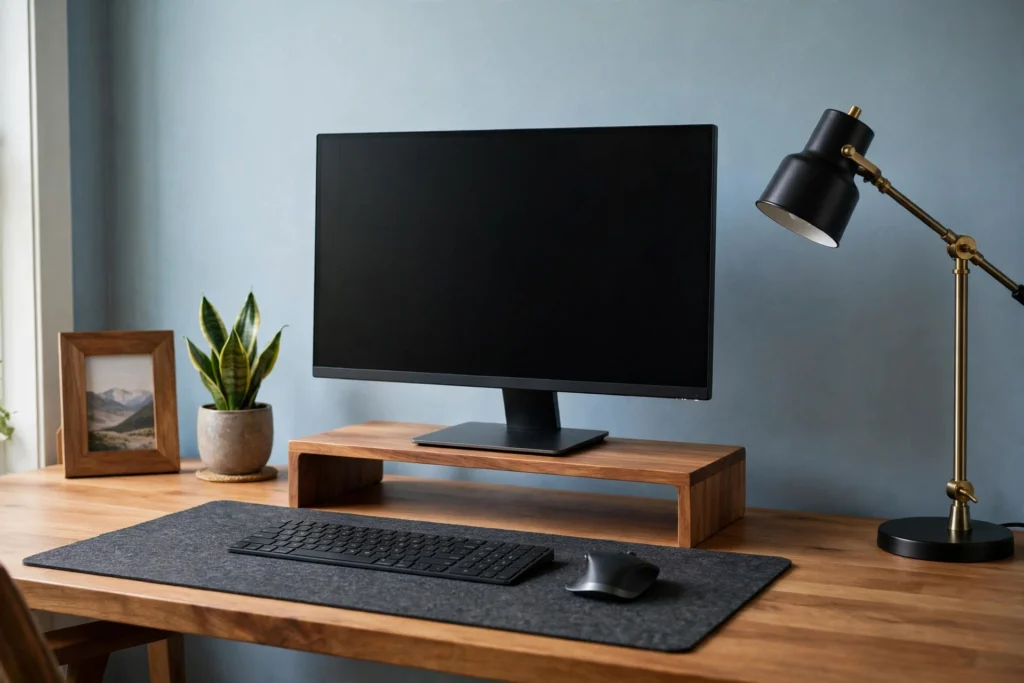
No styling trick compensates for a desk that hurts to work at. Desk choice is the foundation every other home office decor idea builds on — get the ergonomics right first, then make it beautiful.
How to do it: Choose a desk 28–30 inches high with enough depth (at least 24 inches, ideally 30) to hold the monitor at arm’s length. The top of the screen should sit at or slightly below eye level so your neck stays neutral — a monitor riser or a stack of books fixes a low laptop instantly. OSHA’s computer workstation guidance recommends this neutral posture as the basis of a healthy setup. If the desk must be small, go narrow but keep the depth; depth matters more than width for comfort.
What to avoid: Avoid tiny writing desks with a laptop flat on the surface — the hunched posture catches up within weeks. Do not choose a desk with a thick modesty panel if you need legroom, and skip glass tops if glare bothers your eyes.
2. Position the Desk to Use Natural Light
Daylight is the best office lighting there is — free, flattering, and good for alertness. Desk placement relative to the window decides whether that light helps you or fights you all day.
How to do it: Place the desk perpendicular to the window: light falls across the workspace from the side, illuminating the desk without shining into your eyes or washing out the screen. If the only option is facing the window, add a sheer curtain to diffuse direct sun; if your back is to the window, expect webcam glare on video calls.
What to avoid: Avoid facing a bright window head-on without diffusion — screen glare and eye strain follow. Do not place the desk in the darkest corner and rely entirely on artificial light; even a nearby window you are not facing helps.
3. Invest in an Ergonomic Chair That Looks Good Too
The chair is the most-used piece of furniture in a home office and the most visible one on video calls. It deserves the same design attention as any other statement piece — comfort and looks are not mutually exclusive anymore.
How to do it: Prioritize adjustable seat height, lumbar support, and armrests that fit under the desk. Then choose a finish that suits the room: many ergonomic chairs now come in warm neutrals, muted fabrics, and wood-accented designs that blend into home decor. A chair in a considered color reads as intentional design, not office surplus.
What to avoid: Avoid dining chairs or stools as daily seating — they lack the support for eight-hour days. Do not buy a racing-style gaming chair for a calm, grown-up room unless that is genuinely your aesthetic.
4. Layer Task Lighting Over the Overhead Light
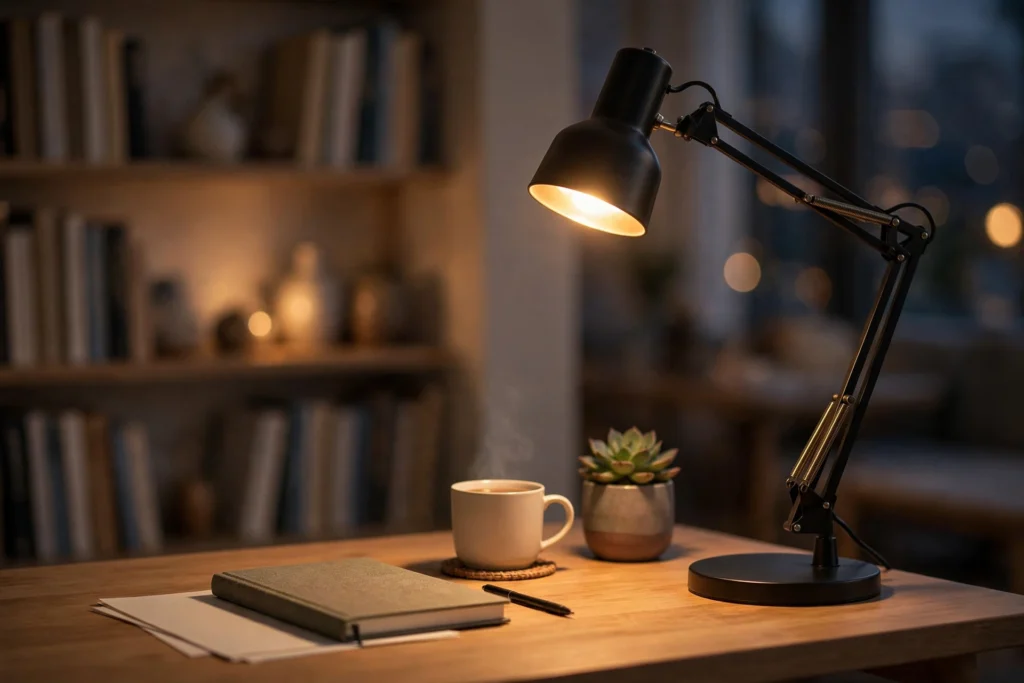
Overhead ceiling light alone creates flat, shadowy task lighting — your own head and monitor cast shadows exactly where you are trying to read and write. A dedicated task lamp is the single biggest lighting upgrade a home office can get.
How to do it: Add an adjustable desk lamp positioned to the side of your dominant hand, with warm-white bulbs (2700–3000K) to match the room’s evening light. A lamp with a dimmer lets you drop the brightness for video calls. ENERGY STAR certified desk lamps use a fraction of the energy of old halogen task lights while giving better, cooler light.
What to avoid: Avoid a single harsh overhead as the only source — it causes eye fatigue by late afternoon. Do not mix warm and cool bulbs in the same small room; the clash is subtly tiring. For more on layered warm lighting, see our cozy bedroom decor ideas guide.
5. Hide the Cables Before They Hide Your Style
Nothing undercuts a styled workspace faster than a tangle of cables. Cable management is invisible design — nobody notices it when it is done, and everybody notices when it is not.
How to do it: Mount a cable tray or a simple wire basket under the desk to hold the power strip and adapters off the floor. Run cables from devices to the tray with reusable velcro ties, and cover the drop from desk to wall outlet with an adhesive cord cover painted to match the wall. A desk against a wall hides nearly everything with these three moves.
What to avoid: Avoid letting the power strip sit on the floor in a visible tangle — it is both ugly and a dust trap. Do not daisy-chain extension cords as a permanent solution; one properly rated strip or a wall outlet with more sockets is safer and neater.
6. Go Vertical with Shelving and Wall Storage
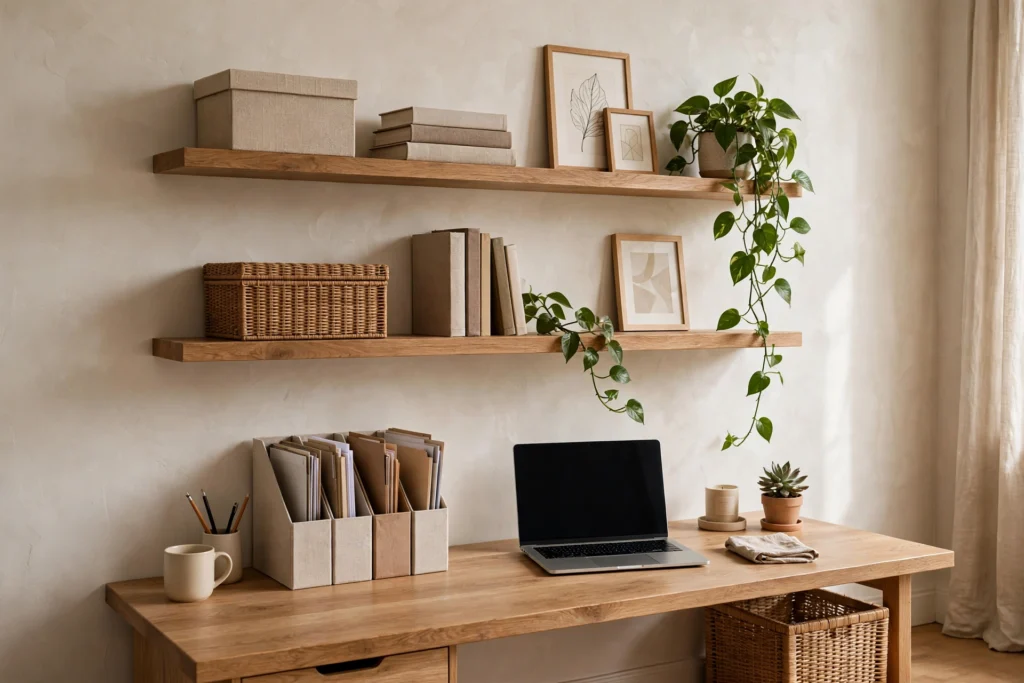
Home offices are usually carved out of small rooms or corners, where floor space is precious and walls are free. Vertical storage keeps supplies and references within reach without eating the room.
How to do it: Mount one or two floating shelves above or beside the desk for books, binders, and a small plant. Use closed boxes or magazine files on the shelves so the display reads as styled, not stacked. A wall-mounted file organizer or a pegboard keeps daily tools visible but orderly. For more on making the most of vertical space, see our budget kitchen organization ideas post — the small-space storage logic transfers directly.
What to avoid: Avoid open shelves crammed with random supplies — they become visual noise in your peripheral vision all day. Do not mount shelves so high you need a chair to reach daily items; everyday storage belongs within arm’s reach.
7. Personalize Without Cluttering the Workspace
A home office should feel like yours, not like a cubicle transplant — but a desk crowded with objects is a desk that is hard to think at. The trick is a small, deliberate set of personal items rather than a collection.
How to do it: Apply the rule of three on the desk surface: one functional beautiful object (a good pen cup, a desk clock), one personal item (a framed photo, a small souvenir), and one living thing (a plant or fresh flowers). Hang one piece of art you genuinely like where you will see it during the day — above or beside the monitor, not behind you where only video calls see it.
What to avoid: Avoid covering every surface with decor — the desk needs clear landing space for actual work. Do not hang busy, high-contrast art directly behind the monitor; it competes for your eyes’ attention all day.
8. Add One Easy Plant for Calm and Focus
Plants are the cheapest way to make a workspace feel alive and cared for. They soften the hard edges of monitors and desks, and tending one is a small, pleasant break in the workday rhythm.
How to do it: Choose a genuinely low-maintenance plant: a snake plant or ZZ plant survives low light and forgotten waterings; a pothos trails nicely from a shelf. Match the planter to the room’s palette — matte ceramic in white, black, or terracotta keeps it design-forward. One medium plant on the desk or a tall one in the corner is enough.
What to avoid: Avoid a fussy plant that needs daily misting next to your keyboard — a struggling plant adds stress, not calm. Do not place plants where watering risks the laptop; the shelf above or beside the desk is safer than directly next to electronics.
9. Define Your Zone in a Shared Room
Many home offices share a bedroom, living room, or guest room. Without a visual boundary, work spreads everywhere and the room never feels “off duty.” Defining the zone protects both work focus and home life.
How to do it: Anchor the workspace with a rug under the desk and chair — it instantly reads as a separate area. A low open bookcase placed perpendicular to the wall makes an effective, storage-giving divider. Even paint works: one accent wall behind the desk marks the office zone without any furniture. For more on carving function out of shared rooms, see our small living room decor ideas guide.
What to avoid: Avoid tall, solid dividers that block light and make the room feel cramped — low and open preserves airiness. Do not let office overflow (printers, paper stacks) colonize the rest of the room; the zone boundary only works if you respect it.
10. Finish with a Rug and Acoustic Softness
Home offices are echo chambers: hard floors, bare walls, and a desk create the hollow sound you hear on video calls. Soft textiles fix the acoustics and make the room feel finished at the same time.
How to do it: Place a low-pile rug under the desk and chair large enough that the chair stays on it when rolled back. Add one more soft layer — curtains on the window, an upholstered pinboard, or a fabric wall hanging — to absorb the remaining echo. Your microphone (and your callers) will notice the difference immediately.
What to avoid: Avoid a rug so small the chair rolls half off it — measure the chair’s full roll-back range first. Do not overdo it with wall-to-wall softness; one rug plus one wall textile is the sweet spot.
Frequently Asked Questions
What are the best home office decor ideas for a small bedroom corner?
Use a narrow console-style desk (at least 24 inches deep), mount floating shelves instead of a bookcase, define the zone with a small rug, and keep the palette light. A wall-mounted fold-down desk is the ultimate space-saver for truly tiny corners.
How do I make my home office not look like an office in the living room?
Choose furniture in home finishes (wood desk, upholstered-look chair), hide cables completely, use closed storage so work supplies disappear, and style the desk like a console table when the workday ends — a tray, a book, a small plant.
What is the best lighting for a home office?
Layer three sources: natural daylight from a side window, an adjustable warm-white task lamp on the desk, and soft ambient light for evenings. Keep all bulbs in the same warm range (2700–3000K) for visual comfort.
How can I hide computer cables in my home office?
Mount a cable tray under the desk for the power strip and adapters, bundle cables with velcro ties, and run the desk-to-outlet drop through an adhesive cord cover painted to match the wall. A desk against a wall hides almost everything.
What colors are best for a productive home office?
Muted, calm colors support focus: soft blues and greens are the classic productivity shades, with warm neutrals as the base. Avoid high-energy reds and oranges on large surfaces — use them only as small accents if at all.
Sources
- OSHA — computer workstation ergonomics guidance
- ENERGY STAR — residential and task lighting guidance
- American Society of Interior Designers — workplace design research